
by Gloria Bakerian | Oct 1, 2026 | Microsoft 365
← View All Microsoft 365 How-To Guides SharePoint document libraries give teams a shared location for business files. Uploading the file is only the first step. You also need to confirm that it is in the correct site and that the sharing settings match the business...

by Gloria Bakerian | Sep 30, 2026 | Microsoft 365
Microsoft offers several Copilot tools for organizing information, answering questions, and getting work done. The useful question is which approach fits a particular task in your business.In this video, I compare Copilot Notebooks, simple Microsoft 365 Copilot...

by Gloria Bakerian | Sep 29, 2026 | Microsoft 365
← View All Microsoft 365 How-To Guides Copilot in Excel can help you explore a worksheet, identify patterns, answer questions, and create charts or PivotTables. It can accelerate analysis, but important conclusions should always be checked against the underlying data....
by Gloria Bakerian | Sep 24, 2026 | Microsoft 365
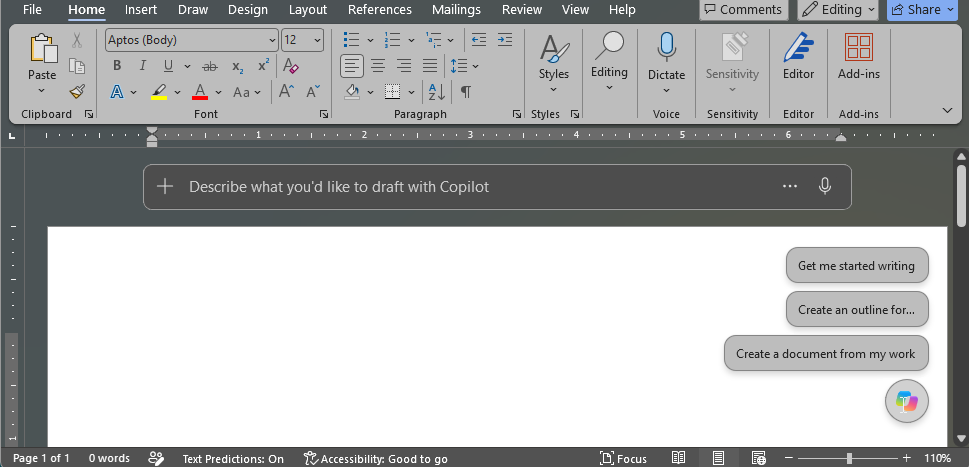
← View All Microsoft 365 How-To Guides Microsoft 365 Copilot can help you move past a blank page, organize ideas, and rewrite existing text. It can accelerate the first draft, but you remain responsible for the accuracy, tone, and commitments in the final document....
by Gloria Bakerian | Sep 20, 2026 | Microsoft 365
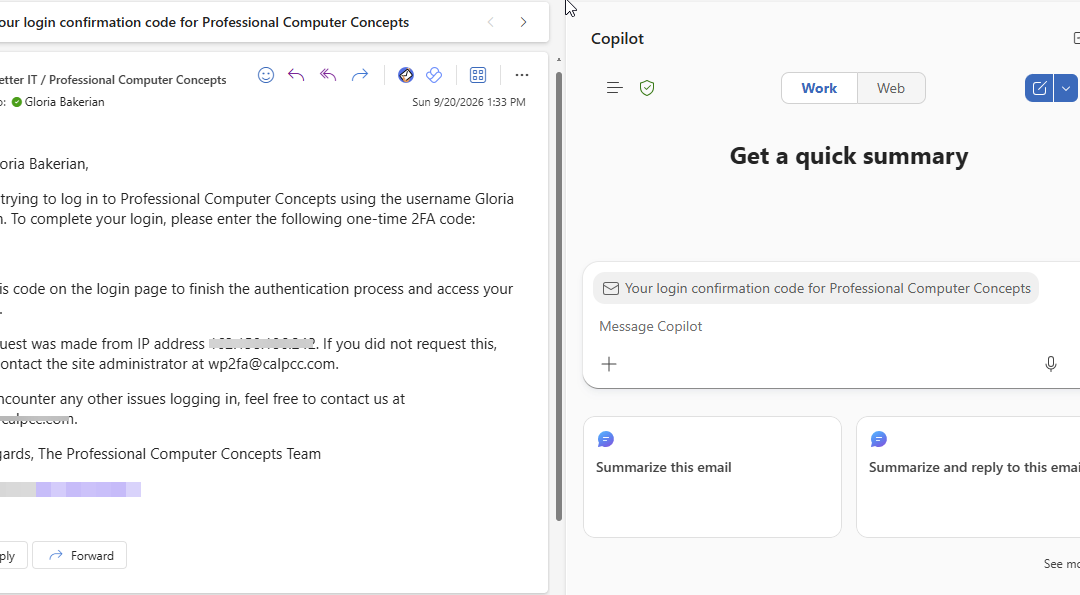
← View All Microsoft 365 How-To Guides Microsoft 365 Copilot can help you create a first draft, summarize a long email conversation, and improve the clarity or tone of a message. It can save time, but it does not replace your judgment. Review every result before you...

by Gloria Bakerian | Sep 20, 2026 | Microsoft 365
← View All Microsoft 365 How-To Guides Microsoft Teams lets you schedule an online meeting in advance or start one immediately. Scheduled meetings are best when attendees need an invitation and calendar reminder. Meet now is useful for an unplanned conversation....
