
MICROSOFT SECURITY
Microsoft Account and Support Scams: How to Recognize Fake Microsoft Messages
Fake Microsoft messages can look surprisingly convincing. Attackers may imitate Microsoft security alerts, support notices, password warnings, invoices, or even Microsoft 365 sharing notifications to get you to click a link, call a phone number, approve a login, or provide information.
The safest approach is simple: slow down, verify the request independently, and never assume that a message is legitimate just because it uses Microsoft branding.
Why Microsoft Impersonation Works
Microsoft products are used every day by millions of businesses. That familiarity gives scammers an advantage. A message about your Microsoft account, Outlook, Teams, OneDrive, or Microsoft 365 can immediately feel important and legitimate.
Attackers often add urgency such as “your account will be disabled,” “unusual activity detected,” or “contact support immediately” because they want you to act before you stop to verify the message.
Microsoft Scam Safety at a Glance
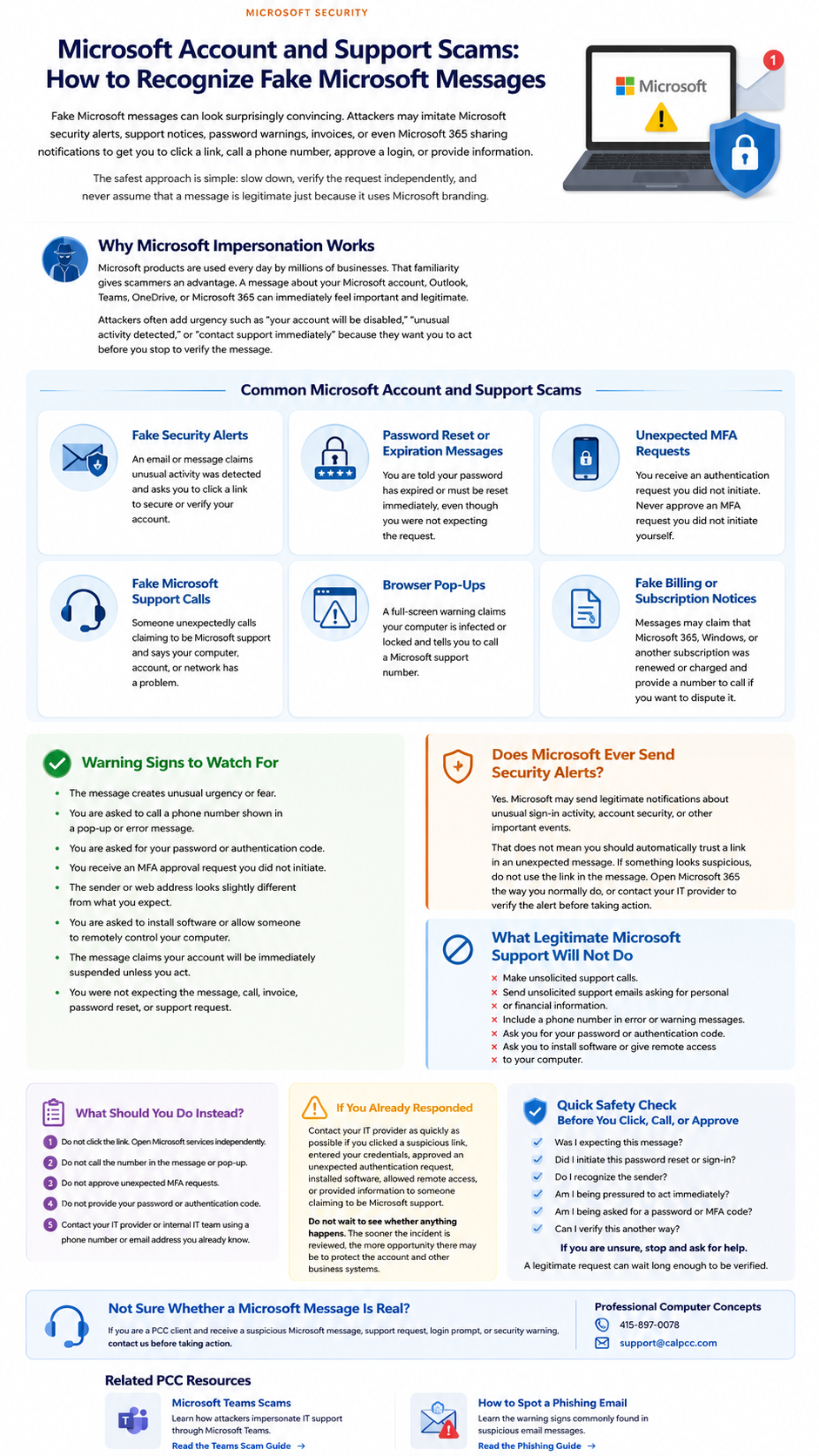
Click or tap the guide to view it full size.
Common Microsoft Account and Support Scams
Fake Security Alerts
An email or message claims unusual activity was detected and asks you to click a link to secure or verify your account.
Password Reset or Expiration Messages
You are told your password has expired or must be reset immediately, even though you were not expecting the request.
Unexpected MFA Requests
You receive an authentication request you did not initiate. Never approve an MFA request you did not initiate yourself.
Fake Microsoft Support Calls
Someone unexpectedly calls claiming to be Microsoft support and says your computer, account, or network has a problem.
Browser Pop-Ups
A full-screen warning claims your computer is infected or locked and tells you to call a Microsoft support number.
Fake Billing or Subscription Notices
Messages may claim that Microsoft 365, Windows, or another subscription was renewed or charged and provide a number to call if you want to dispute it.
Warning Signs to Watch For
- The message creates unusual urgency or fear.
- You are asked to call a phone number shown in a pop-up or error message.
- You are asked for your password or authentication code.
- You receive an MFA approval request you did not initiate.
- The sender or web address looks slightly different from what you expect.
- You are asked to install software or allow someone to remotely control your computer.
- The message claims your account will be immediately suspended unless you act.
- You were not expecting the message, call, invoice, password reset, or support request.
Does Microsoft Ever Send Security Alerts?
Yes. Microsoft may send legitimate notifications about unusual sign-in activity, account security, or other important events.
That does not mean you should automatically trust a link in an unexpected message.
If something looks suspicious, do not use the link in the message. Open Microsoft 365
the way you normally do, or contact your IT provider to verify the alert before taking action.
What Legitimate Microsoft Support Will Not Do
Microsoft says it does not make unsolicited support calls or send unsolicited
support emails asking for personal or financial information. Microsoft also warns
that genuine Microsoft error and warning messages do not include a phone number for
you to call.
Be especially cautious if someone unexpectedly asks you to install remote-access
software, provide credentials, reveal an authentication code, or give them control
of your computer.
What Should You Do Instead?
- Do not click the link. Open Microsoft services independently.
- Do not call the number in the message or pop-up.
- Do not approve unexpected MFA requests.
- Do not provide your password or authentication code.
- Contact your IT provider or internal IT team using a phone number or email address you already know.
If You Already Responded
Contact your IT provider as quickly as possible if you clicked a suspicious link,
entered your credentials, approved an unexpected authentication request, installed
software, allowed remote access, or provided information to someone claiming to be
Microsoft support.
Do not wait to see whether anything happens. The sooner the incident is reviewed,
the more opportunity there may be to protect the account and other business systems.
QUICK SAFETY CHECK
Before You Click, Call, or Approve
- Was I expecting this message?
- Did I initiate this password reset or sign-in?
- Do I recognize the sender?
- Am I being pressured to act immediately?
- Am I being asked for a password or MFA code?
- Can I verify this another way?
If you are unsure, stop and ask for help.
A legitimate request can wait long enough to be verified.
Not Sure Whether a Microsoft Message Is Real?
If you are a PCC client and receive a suspicious Microsoft message, support request,
login prompt, or security warning, contact us before taking action.
Professional Computer Concepts
Phone: 415-897-0078
Email: [email protected]