
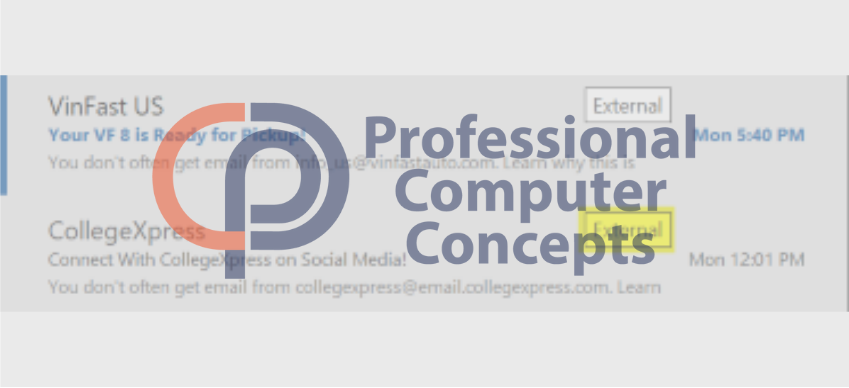
To help you better understand the new ‘External’ email warning in Outlook, we’ve compiled this FAQ. It covers everything you need to know about this security feature and how it helps protect against phishing attempts.
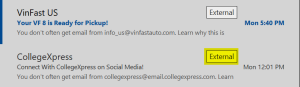
1. What does the “External” warning mean?
The “External” warning is a tag added to emails received from senders outside your organization. It helps you quickly identify messages that are not from internal sources.
2. Why is this feature being introduced?
This feature is designed to enhance email security by making it easier to spot potentially fraudulent messages. Phishing attacks often rely on impersonation tactics, and this warning helps mitigate those risks.
3. How can I use this warning to stay secure?
If you see the “External” warning, be cautious. Verify the sender’s email address, especially if the message requests sensitive information, contains links, or asks for urgent action.
4. Will this affect all emails from external sources?
Yes, any email from outside your organization will be marked with the “External” warning.
5. Does this mean external emails are unsafe?
Not necessarily. Most external emails will still be legitimate. However, the warning serves as a reminder to stay vigilant and verify emails that seem suspicious.
6. How should I handle a suspicious email with the “External” warning?
If an email with the “External” warning seems suspicious—such as requesting sensitive information or containing unexpected links or attachments—avoid interacting with it. Instead, verify its legitimacy by contacting the sender directly through a trusted method or follow your organization’s procedure for handling suspicious messages.
7. Can I turn this feature off?
Yes, it is possible to disable the “External” warning, but we strongly advise against it. Keeping this alert active adds an extra layer of security to help identify potential phishing attempts and protect your organization. Disabling it could make it harder to spot suspicious emails and increase your risk of falling victim to cyberattacks. We recommend leaving this feature on as part of a proactive security strategy.
8. What if I have more questions or concerns?
Feel free to contact us directly for any questions or additional guidance. We’re here to help!
Need Assistance? Professional Computer Concepts is Here to Help
At Professional Computer Concepts, your security is one of our top priorities. If you have any questions or concerns about the ‘External’ email warning or need assistance with staying secure, don’t hesitate to contact us. We’re here to help.
Beyond email security, Professional Computer Concepts offers a wide range of managed IT services, cybersecurity services, and cloud solutions to help protect your business. From proactive monitoring to advanced threat detection, we provide the tools and expertise needed to keep your operations running smoothly and securely.